
1
1. Upload your photo
Drag in an image or choose one from your device.
Create a clean grid overlay on any image in your browser.
Upload a photo, choose a 3 x 3 composition grid or custom layout, adjust line thickness, opacity, color, and paper size, then download the result with no signup.
Use it for composition, layout planning, drawing references, and social visuals.
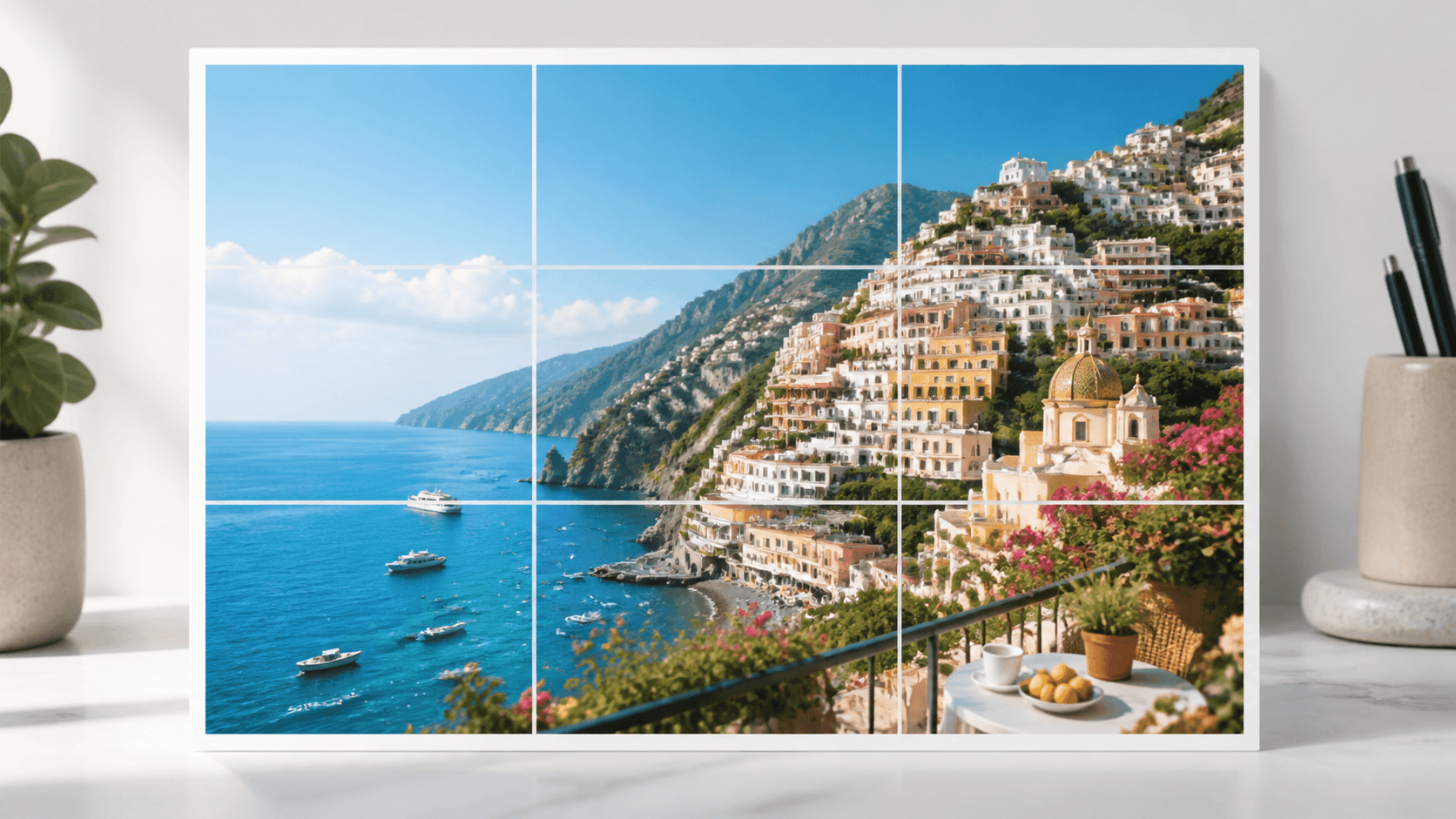
Create a clean grid overlay on any image in your browser.
Use it for composition, layout planning, drawing references, and social visuals.
Free tool
Start with a 3 x 3 overlay, then tune the grid for composition checks, design layouts, or drawing references.
Adjust rows, columns, line style, and paper size before export.
Add A1, B2 markers for drawing transfer.
Add X guides inside each cell.
Original image mode keeps your photo ratio. Choose A4, A3, Letter, or another paper size for printable measurements.
Grid controls
Use the grid overlay controls to make lines visible without covering the details in your photo.
Use a classic 3 x 3 grid or set custom rows and columns for comparison charts, references, and image planning.
Set grid color, line thickness, and opacity so the overlay works on bright, dark, or detailed photos.
Keep the original image ratio or switch to A4, Letter, square, or 4:5 paper-style output.
How it works
The grid overlay is generated directly on a canvas in your browser.
Drag in an image or choose one from your device.
Pick rows, columns, line thickness, opacity, color, paper size, labels, and diagonal guides.
Export your photo with the grid overlay as a PNG.
Answers for quick grid overlays and image composition checks.
Upload your photo, adjust the grid settings, and download the PNG with grid lines applied.
Yes. You can set custom rows and columns, then adjust line thickness, opacity, and color.
Yes. The tool includes original image mode plus A4, A3, US Letter, square, and 4:5 paper-style presets.
Original image mode keeps the photo ratio. Paper presets fit the photo inside the selected paper shape without distorting it.
Create a custom grid overlay and download the result from your browser.