
1
1. Upload a reference photo
Choose a portrait, sketch, screenshot, or any image you want to transfer.
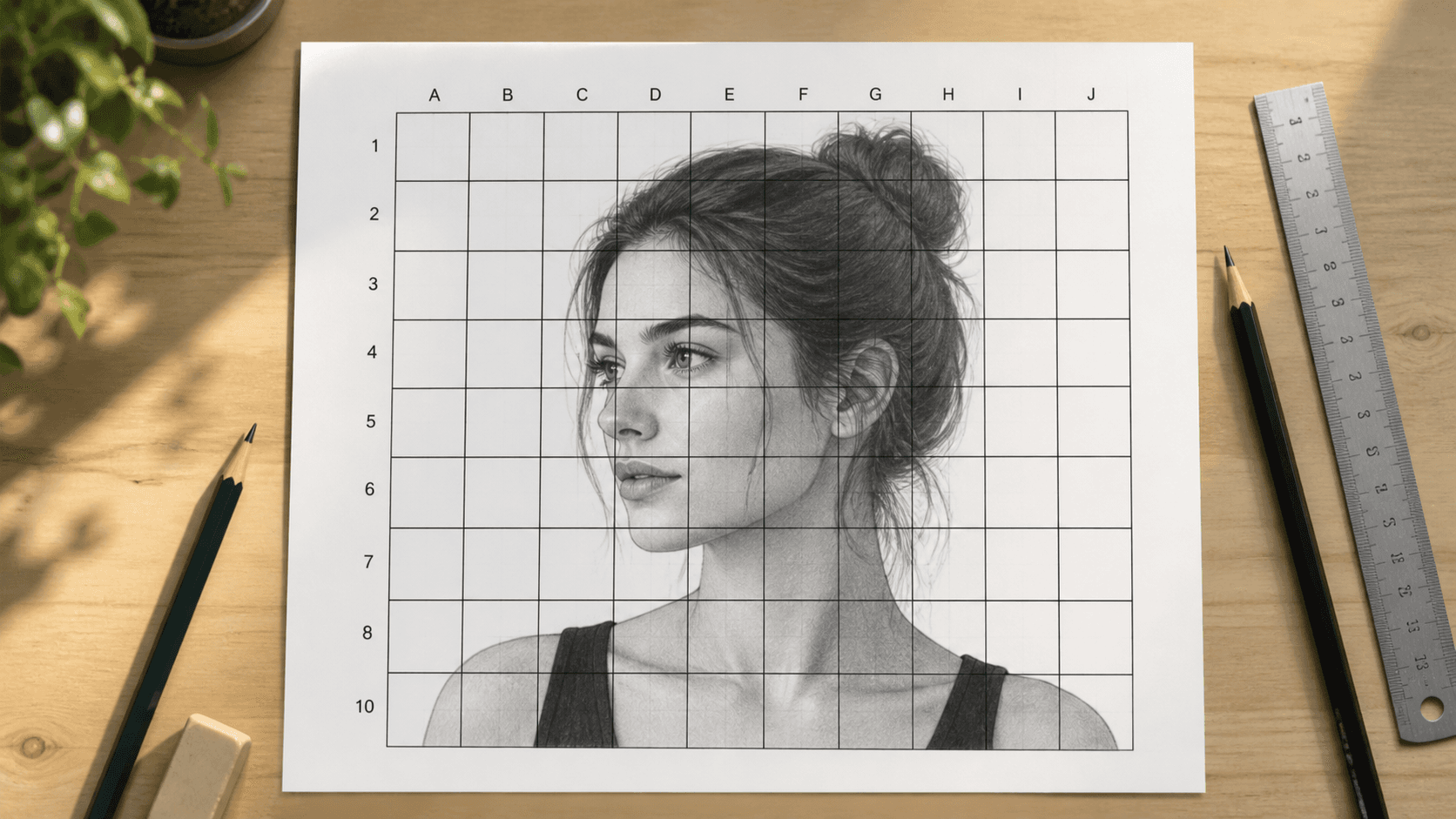
Add a precise drawing grid to any reference photo online.
Upload an image, customize rows, columns, line thickness, opacity, color, labels, and paper size, then download a grid reference for drawing, tracing, or printing.
Your image is processed locally in your browser.
Add a precise drawing grid to any reference photo online.
Your image is processed locally in your browser.
Free tool
Start with a 10 x 10 drawing grid, then adjust the paper, labels, lines, and opacity to match your drawing surface.
Adjust rows, columns, line style, and paper size before export.
Add A1, B2 markers for drawing transfer.
Add X guides inside each cell.
A4 portrait: draw vertical lines every 21mm and horizontal lines every 29.7mm.
Drawing workflow
The drawing grid tool keeps proportion work practical for portraits, sketches, classrooms, and larger canvas transfers.
Choose a simple 4 x 4 layout or a detailed 20 x 20 reference grid for portraits and complex photos.
Use A4, A3, Letter, square, or 4:5 presets and get cell-size guidance for your drawing paper.
Turn on A1, B2, and other cell labels so it is easier to copy one square at a time.
How it works
Keep the setup fast so you can spend time drawing instead of measuring.
Choose a portrait, sketch, screenshot, or any image you want to transfer.
Adjust rows, columns, line color, thickness, opacity, labels, diagonals, and paper size.
Save a PNG reference, print it, or keep it on screen while you draw.
Short answers for artists and students using the grid method.
A grid maker for drawing adds equal rows and columns over a reference image so you can copy each cell to your paper or canvas with better proportions.
Yes. The tool includes custom row and column counts, line thickness, opacity, line color, cell labels, diagonal guides, paper size, and paper orientation.
Yes. Choose a paper preset such as A4, A3, or Letter to see printable cell-size guidance before downloading your PNG.
No. The grid preview and export are handled locally in your browser.
Upload a reference image and download a custom grid in minutes.