
1
1. Upload your photo
Start with one image from your camera roll, feed draft, or memory album.
Create a clean photo caption template with short text, quote-style copy, and a calm layout that keeps the image first.
Add Captions to Photos Online
Create a clean photo caption template with short text, quote-style copy, and a calm layout that keeps the image first.
We will open the shared editor with the daily layout selected so you can add caption-style text without starting from a blank canvas.
Start here
Upload a photo to begin
JPG, PNG, WebP, or HEIC. We generate captions and layouts after upload.
Up to 10MB. Drag and drop or click to choose a file.
What this adds
This template is intentionally narrow: clean text on a photo, enough room for meaning, and no extra visual noise.
Keep the text brief so the photo still leads and the message stays readable.
The layout works for caption-style text, short quote lines, and memory notes under the image.
The image stays dominant while the text supports the mood instead of covering the frame.
Examples
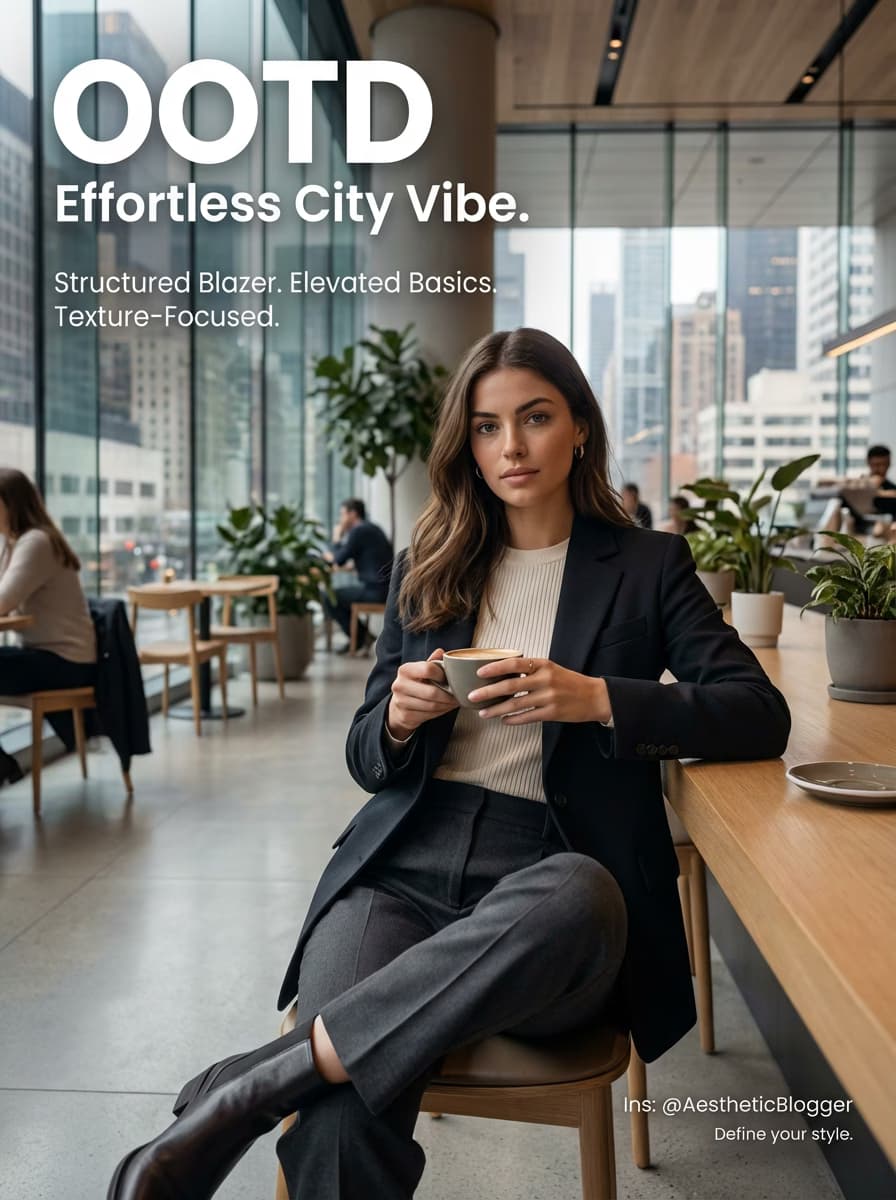
Preview the kind of caption-first but still photo-led result this template is designed to make.
A short line of text that feels intentional without turning the image into a poster.
A calm layout for a personal caption, quote fragment, or diary-like line.
How it works
This template page is designed to get you into a calm caption workflow quickly.
Start with one image from your camera roll, feed draft, or memory album.
We create brief text suggestions that fit the mood without overwhelming the image.
Adjust the frame, keep the layout clean, and export the final image.
Short answers for users who want a simple caption-on-photo layout.
Yes. This template is designed for adding short caption-style text directly on a photo workflow online.
Yes. It works best for short quote-style lines and memory text, not long quote collections.
Yes. The layout is flexible enough for Instagram-ready captions, personal notes, and calm memory posts.
Jump into the shared editor with the daily layout preselected.