
1
1. Upload your travel photo
Start with one image from your camera roll or trip album.
Create a travel photo overlay with GPS coordinates, a location stamp, and clean travel-style text in a few guided steps.
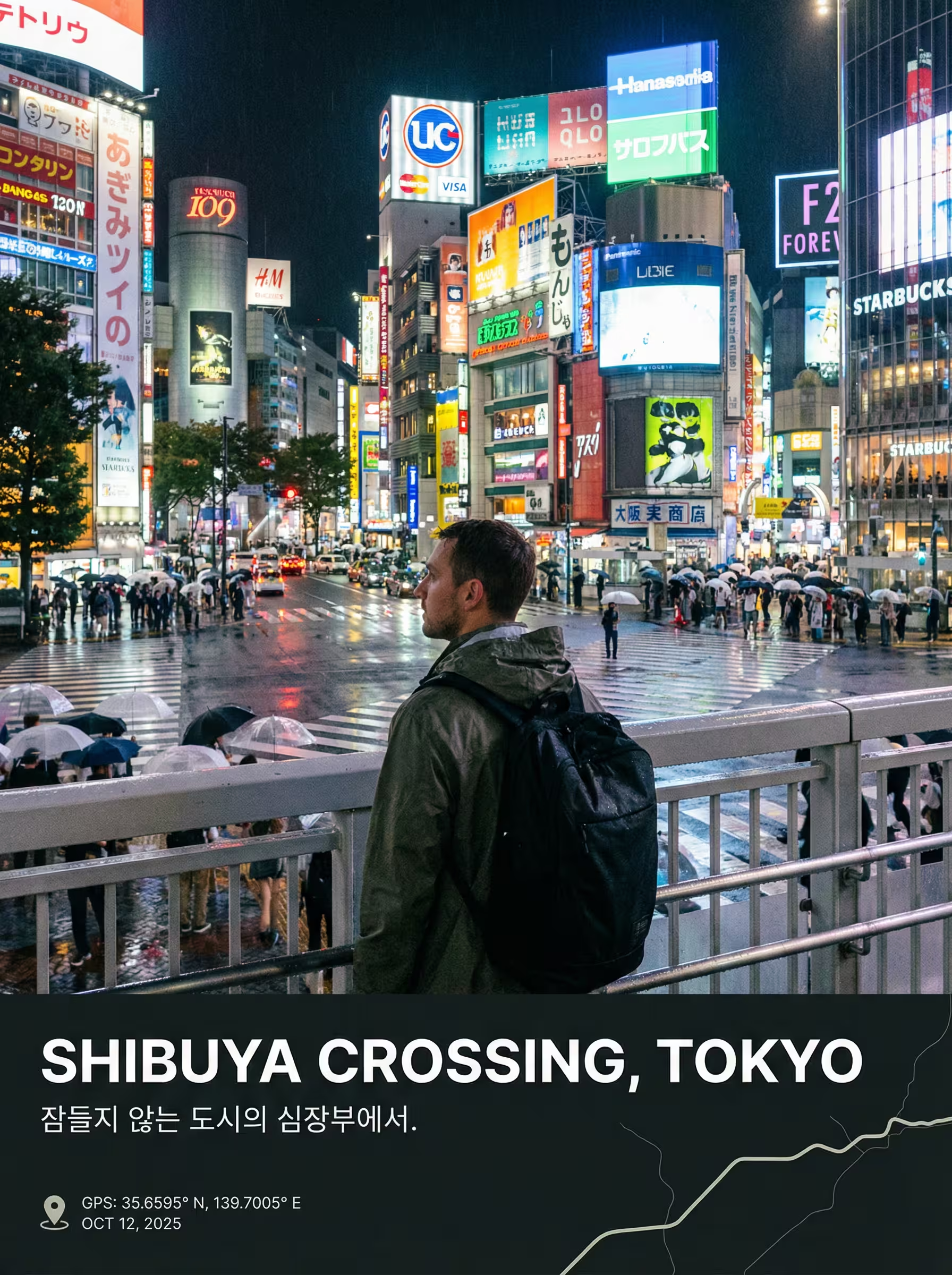
Add GPS Coordinates to Photos Online
Create a travel photo overlay with GPS coordinates, a location stamp, and clean travel-style text in a few guided steps.
We will open the shared editor with the travel template selected so you can keep moving without re-choosing a layout.
Start here
Upload a photo to begin
JPG, PNG, WebP, or HEIC. We generate captions and layouts after upload.
Up to 10MB. Drag and drop or click to choose a file.
What this adds
The first template page focuses on the three travel details users most often want on the final image.
Show geographic coordinates in a polished travel-photo format.
Add a place name that feels more like a travel stamp than a plain caption.
Generate short text that matches the photo without turning it into a crowded poster.
Examples
Preview the kind of image this template is designed to create before you upload your own photo.
Coordinates, place text, and restrained travel copy in one layout.
A travel-style frame that keeps the photo calm while adding useful location details.
How it works
This template page is designed to get you into the editor fast.
Start with one image from your camera roll or trip album.
We use the image and available metadata to suggest GPS and travel text.
Adjust the frame, keep the travel template selected, and export the final image.
Short answers for users who want to add place and travel text to a photo quickly.
Yes. This template is built for adding GPS-style coordinates to travel photos.
Yes. You can create a location stamp look with place text and travel-style formatting.
Yes. Metadata helps, but you can still start with the travel template and edit the result.
Jump into the shared editor with the travel layout preselected.